 Serengeti
Take a tour of the presenter view.
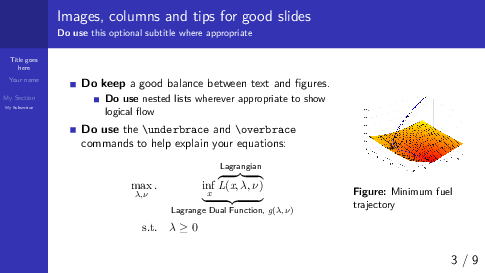
Interactive figures can be rotated in the presenter view, with synchronized rotations in the audience view for supporting libraries. Drag the cone to try it.
Use the timer to rehearse your presentation and get your pacing right before the day.
Choose from several pointer options to direct your audience’s attention.The pointer appears only on the audience’s screen, not in your presenter view.
Read and edit your notes right here. They are saved in an accompanying file, <presentation>.notes.txt, in the same folder as your presentation.
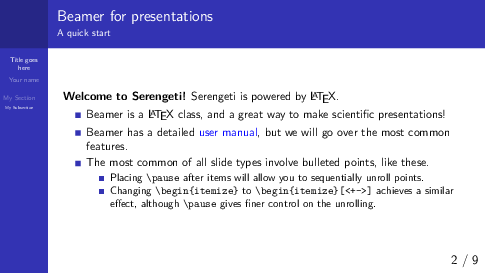
Unrolling bullet points show as a single slide, just like in PowerPoint, when <presentation>.handout.pdf (compiled with Beamer’s handout option) sits alongside your presentation.
Free, and always will be.
Serengeti Desktop can present any PDF, even those not made using Serengeti Editor. Presentations created using Keynote, PowerPoint, Google Slides or LibreOffice Impress, once exported to PDF, can very well be presented using Serengeti Desktop.